
For contractors, gig drivers, and self-employed pros
Every business mile is money back at tax time.
MileClerk logs your drives automatically, classifies them with plain-English reasons, and leaves only the uncertain ones for review — so deductions don't die in a backlog.
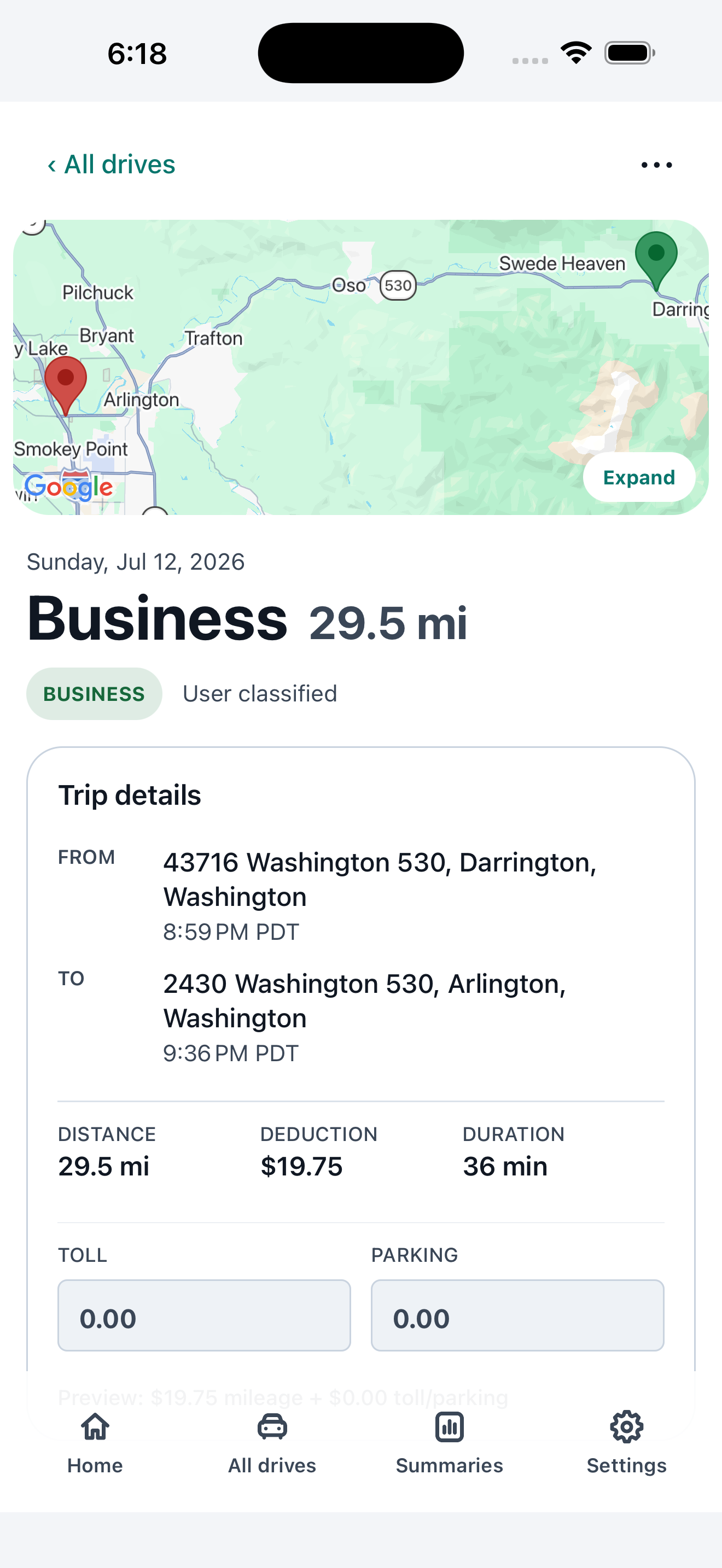
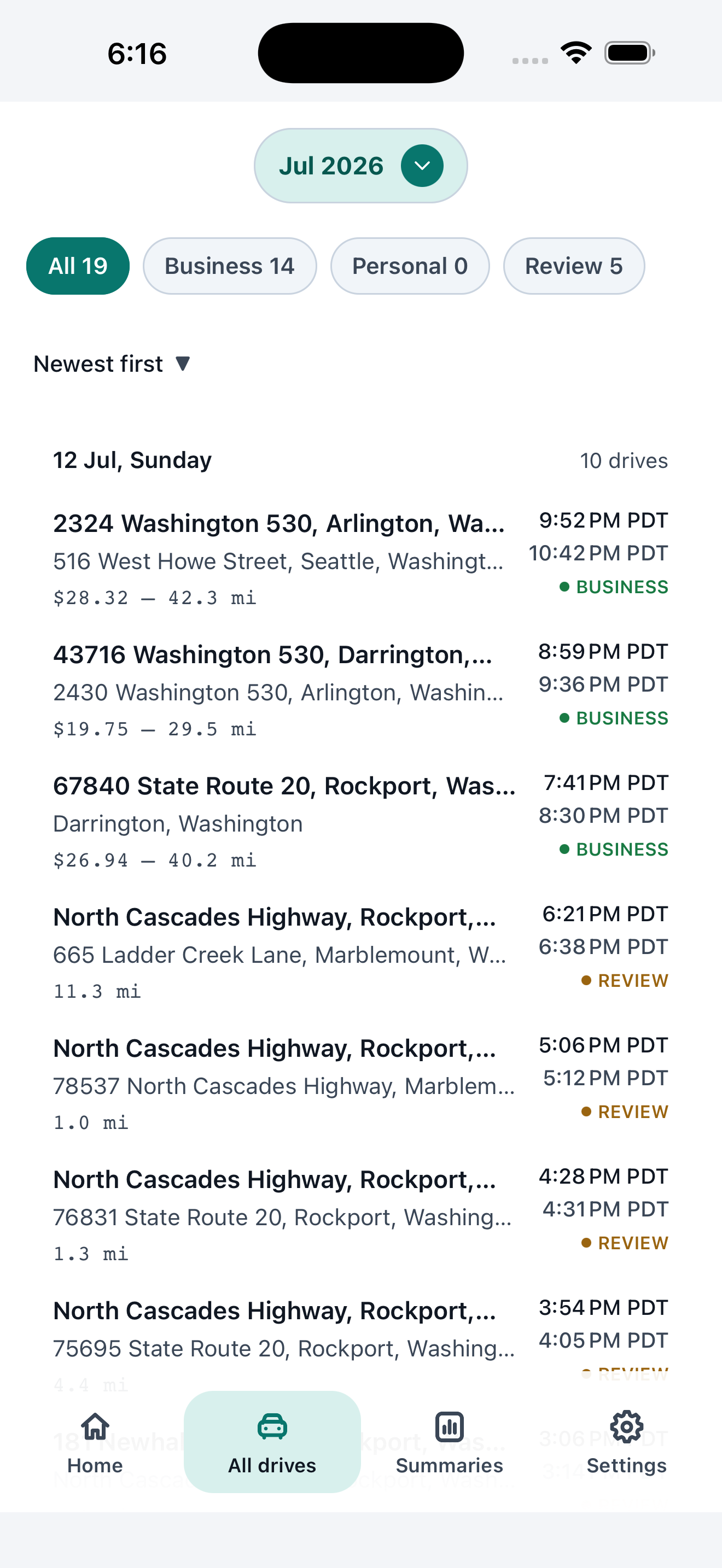
Setup once. Capture every drive. Classify with reasons. Review only what needs you.
Setup
Download the app, sign in, and grant location permission to get started.
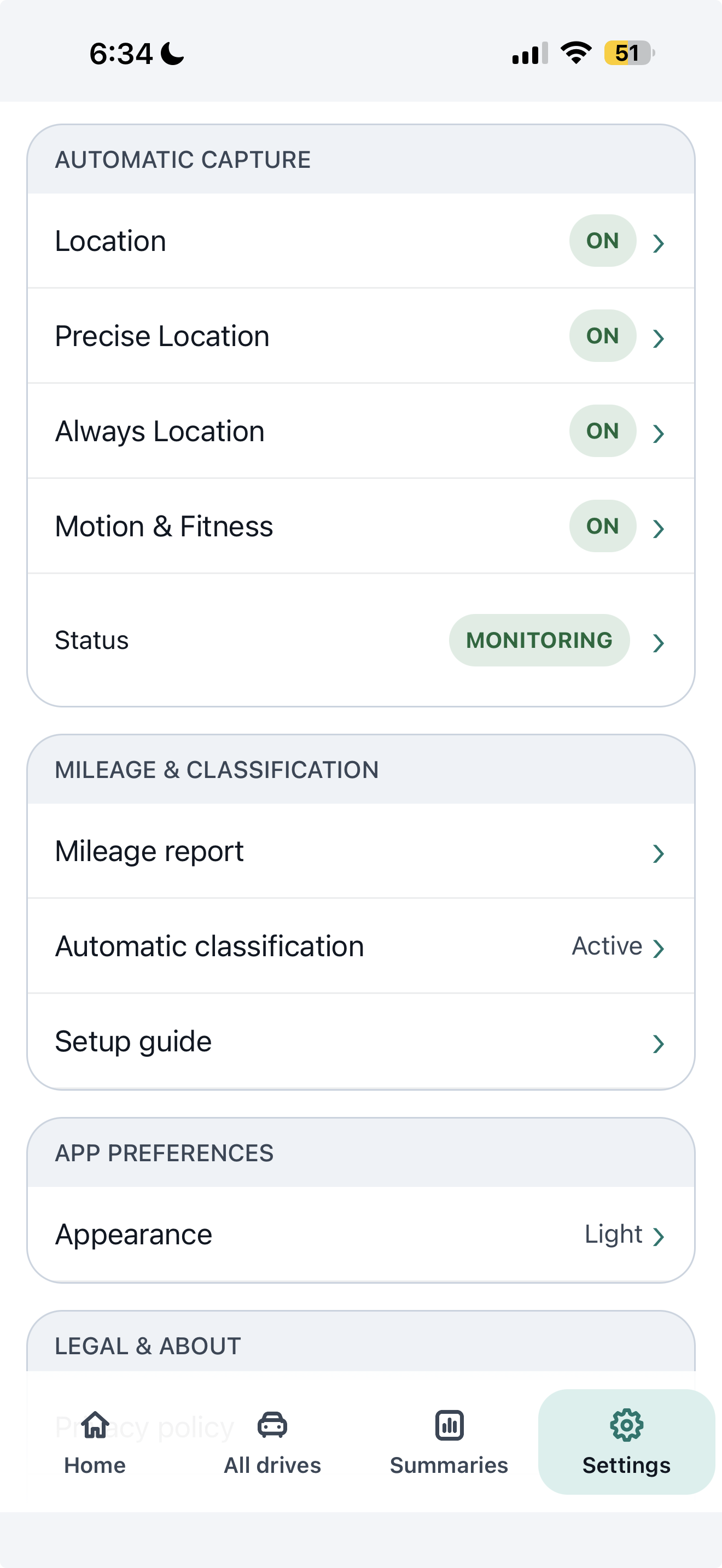
Built for trust, not mystery.
MileClerk does not ask users to trust a black box. It shows confidence, reasons, review state, and permission health so drivers understand what is happening.
Ready when tax time arrives.
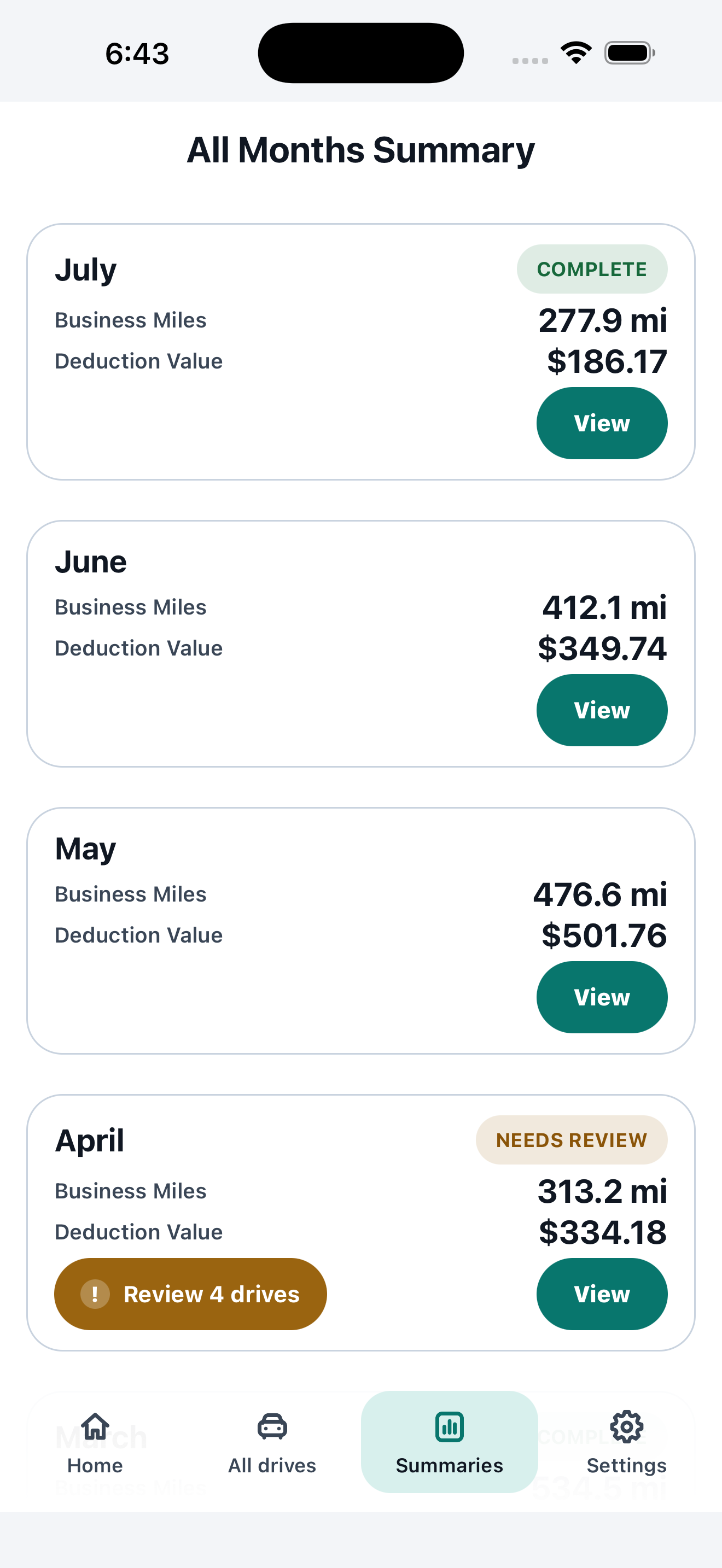
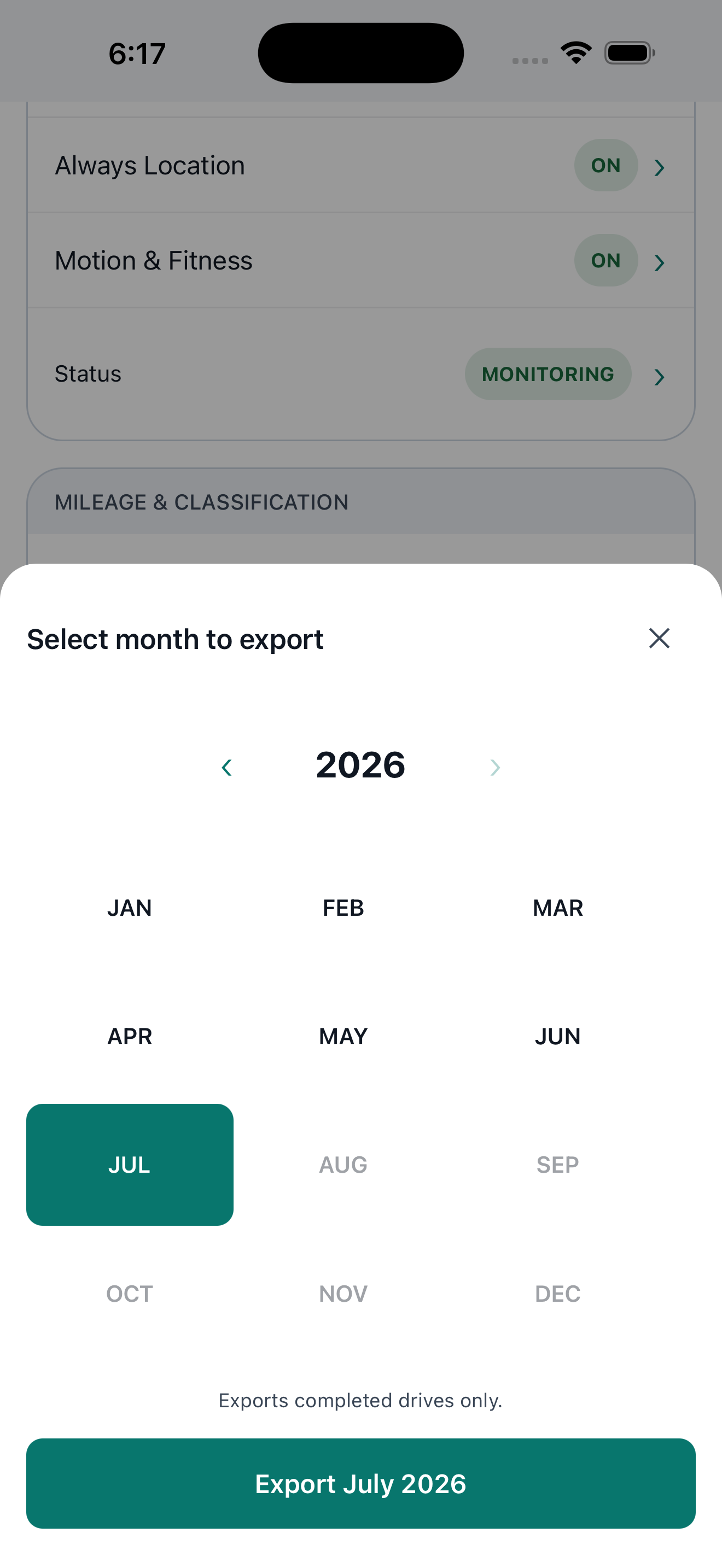
Monthly summaries and export-ready mileage logs help self-employed drivers keep records they can review with an accountant.
- Business miles, personal miles, and total drives by month.
- Review badges show whether a month is ready.
- Exports include date, distance, classification, rate, and deduction amounts.
Made for mixed-mileage work.
Client-visiting professionals
Field-service trades
Gig and delivery drivers
Self-employed tax filers
Frequently asked questions.
Can I manually add a drive if I forgot my phone or a trip wasn't captured?
Yes. From All Drives, tap Add a drive (+), set the date, pick start and end locations, and choose a purpose. You need to be online. The trip is saved as a complete record labeled Manually added.
How much does MileClerk cost?
MileClerk is free — no credit card, no subscription, and no trial countdown. Download it, start tracking, and help shape the product with your feedback.
How does MileClerk track my mileage?
MileClerk captures trips automatically in the background, including offline capture with retry when your connection drops. Each trip is classified using your saved locations and work hours, with a visible confidence score and the reason behind the call.
Do I have to review every trip?
No. Only drives MileClerk isn't confident about enter your review queue, so weekly review typically takes minutes, not hours. You can override any classification at any time.
Will my records hold up if I'm ever asked to justify a deduction?
MileClerk keeps tax-ready records — monthly summaries and export-ready logs with the date, locations, distance, classification, mileage rate, and deduction amounts for each trip — so you have a clear audit trail to review with your accountant. MileClerk doesn't provide tax or legal advice; consult a qualified professional for filing decisions.
How does MileClerk calculate the mileage deduction?
For business trips, MileClerk multiplies miles by the IRS standard business mileage rate for the date of that trip, then adds tolls and parking. You can enter a custom rate in Settings instead. Totals are a record-keeping estimate, not tax advice. Current IRS figures are in the 2026 IRS mileage rate article.
Can I export my mileage log?
Yes. One tap exports a CSV mileage log with the date, times, start and end locations, miles, classification, mileage rate, rate source, and deduction amounts for every drive — ready for your accountant or tax software.
What platforms does MileClerk support?
MileClerk is available for iOS and Android.
Who is MileClerk built for?
Contractors, gig and delivery drivers, field-service trades, and other self-employed professionals who mix business and personal driving.
Does MileClerk sell or share my data?
No. MileClerk doesn't use your trip or location data for advertising and doesn't sell personal data to third parties or data brokers. See the Privacy Policy for details.
What happens if I drive through areas with no cell signal or internet connection?
MileClerk captures drives automatically using your device's built-in GPS even when you have zero cellular reception or Wi-Fi. Your trip data is saved securely on your device and uploads automatically once your connection is restored, so deductions aren't lost on remote job sites or in rural areas.
Start capturing your miles today.
Download MileClerk, drive like you normally do, and review only what's uncertain. Your log builds itself.


Free — no credit card, no trial.
Guides for self-employed drivers.
Mileage logs, IRS rates, and what actually counts as a business mile.
How to add a missed drive to your mileage log
When automatic capture skips a trip — forgotten phone, rental car, dead battery — how to add it so the log still has date, places, miles, and purpose.
Contractor & trades mileage tracking: how to log job-site travel for taxes
A practical guide for electricians, plumbers, HVAC techs, and general contractors navigating multi-stop job sites, dead zones, and IRS travel rules.
Standard mileage rate vs. actual expenses: which saves you more?
A plain-English comparison of the IRS standard mileage rate versus the actual expense method for self-employed and 1099 drivers.
Why your DoorDash/Uber 1099 undercounts deductible miles
Your 1099 only counts miles with a passenger or order onboard — here's the gap between that and what's deductible.